

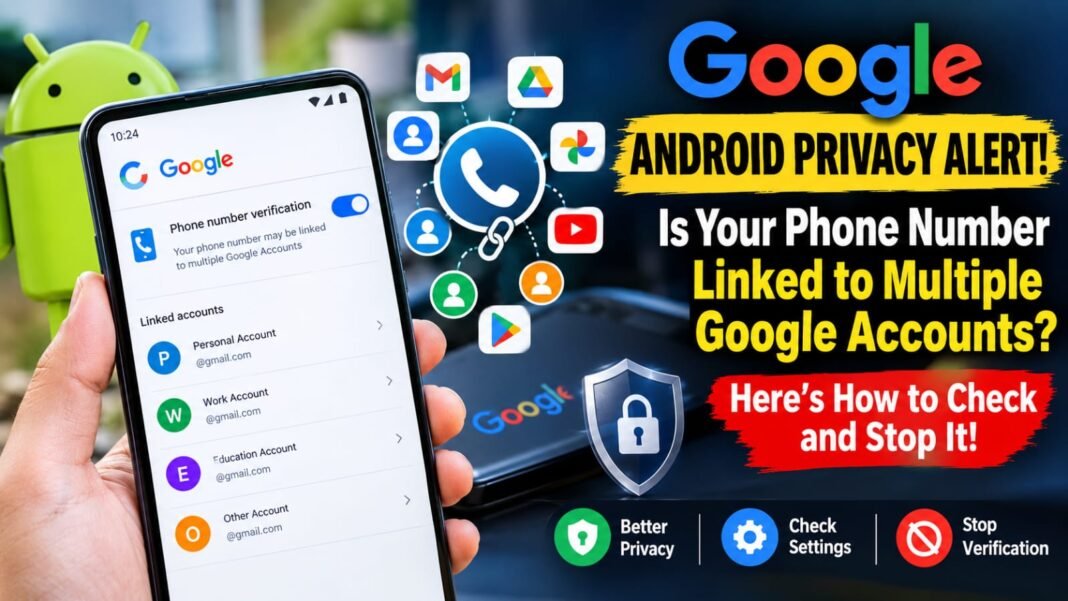
Google’s official support documentation confirms that Android’s phone number verification feature is enabled by default and can associate verified phone numbers with all Google Accounts signed in on a device. Recent reports published in October 2026 have brought renewed attention to the privacy implications of this setting.
Google Android Privacy Alert: Phone Numbers May Be Linked to Multiple Accounts; Here’s How to Check
Google’s Android phone number verification feature is attracting attention after reports highlighted how a user’s phone number can become associated with multiple Google Accounts on the same smartphone. The feature is enabled by default and is intended to support Google’s account security, recovery and communication services.
However, the automatic process may concern users who maintain separate personal, educational or work accounts on one device.
Google’s official documentation confirms that verified phone numbers can be added to all Google Accounts signed in on an Android device, including accounts added in the future. Users can manage the verification setting through their device’s Google settings.
Why Is Google Linking Phone Numbers to Multiple Accounts?
According to Google’s support documentation, Android automatically verifies phone numbers associated with a device when phone number verification is enabled.
The feature supports several services, including:
- Account security: Helps users sign in to their Google Accounts.
- Account recovery: Can help users regain access if they encounter sign-in problems.
- Emergency services: Supports features such as Emergency Location Service.
- Communication: Helps people connect through supported messaging and video-calling services.
- File sharing: Supports features such as Quick Share.
Google also states that it and the mobile carrier may periodically reverify phone numbers to ensure they remain associated with the user. Carrier charges may apply.
Why Is the Feature Raising Privacy Concerns?
The main concern is that users may keep multiple Google Accounts for different purposes but may not expect their phone number to be associated with every account signed in on their device.
Technology publications, including Android Authority and TechRadar, reported on the issue in October 2026. Their reports described users discovering phone number verification through notifications and account settings.
However, linking a phone number to multiple accounts does not automatically mean that the accounts’ emails, passwords or private files become accessible to one another. Phone number association and access permissions are separate issues.
How to Turn Off Automatic Phone Number Verification on Android
Users who do not want their phone numbers automatically verified through this feature can review the setting on their devices.
Follow these steps:
- Open the Settings app on your Android phone.
- Tap Google.
- Select All services.
- Find Phone number verification under Privacy & security.
- Open the option and turn off phone number verification if you do not want it enabled.
The precise menu names may vary depending on your Android version and device manufacturer.
Google confirms that users can switch phone number verification on or off through their device settings.
Important: Turning off automatic verification prevents the feature from operating as described while disabled, but it does not automatically remove phone numbers already associated with Google Accounts.
How to Remove Your Phone Number from a Google Account
Users who discover an unwanted phone number association should review the relevant account individually.
Here’s how:
- Open your Android phone’s Settings.
- Tap Google and select Manage your Google Account.
- Open Personal info.
- Under Contact info, select Phone.
- Choose the phone number you want to review.
- Follow the on-screen instructions to remove it where appropriate.
If the number is associated with several accounts, users may need to review each account separately.
Google cautions that removing a phone number from one part of an account may not remove it from every Google service. Users should check recovery settings and other services separately before making changes.
Official Google guides:
Does Linking a Phone Number Mean Your Google Account Is at Risk?
Not necessarily.
A phone number being associated with multiple Google Accounts does not, by itself, prove that an account has been compromised or that private information has been exposed.
Nevertheless, users should understand which contact details are associated with their accounts and how those details are used.
Google allows users to review phone numbers in their account settings and manage their use across supported services. Its documentation also explains that phone numbers may serve different purposes, including account recovery and communication.
Users should keep recovery information up to date and use strong, unique passwords. They should also review their security settings periodically, particularly when they use several accounts on one smartphone.
What Should Android Users Do Now?
Android users who want to understand how their phone numbers are being used should take three steps:
- Check whether phone number verification is enabled on their device.
- Review the phone number listed in each Google Account’s personal information settings.
- Confirm that recovery details are correct before removing any number.
These checks can help users understand their account settings without assuming that the feature has exposed their private information.
Google’s documentation confirms that phone number verification is designed to support its services. The privacy discussion centres on the default setting and the association of phone numbers with multiple accounts.
Conclusion
Google’s Android phone number verification feature can associate a verified phone number with multiple Google Accounts signed in on the same device. Although the feature supports account recovery, security and communication services, it has attracted privacy concerns among users who prefer to keep their accounts separate.
Users can review the verification setting, inspect the phone numbers associated with their accounts and remove unwanted associations where appropriate.
For the most accurate information, users should follow Google’s official support instructions rather than relying solely on social media reports or third-party interpretations.